

Support Hub
Access expert IT assistance, service requests, remote support, Microsoft 365 guidance and self-service resources all in one place.
The ACS Norwich Support Hub is designed to help businesses stay productive, secure and connected.
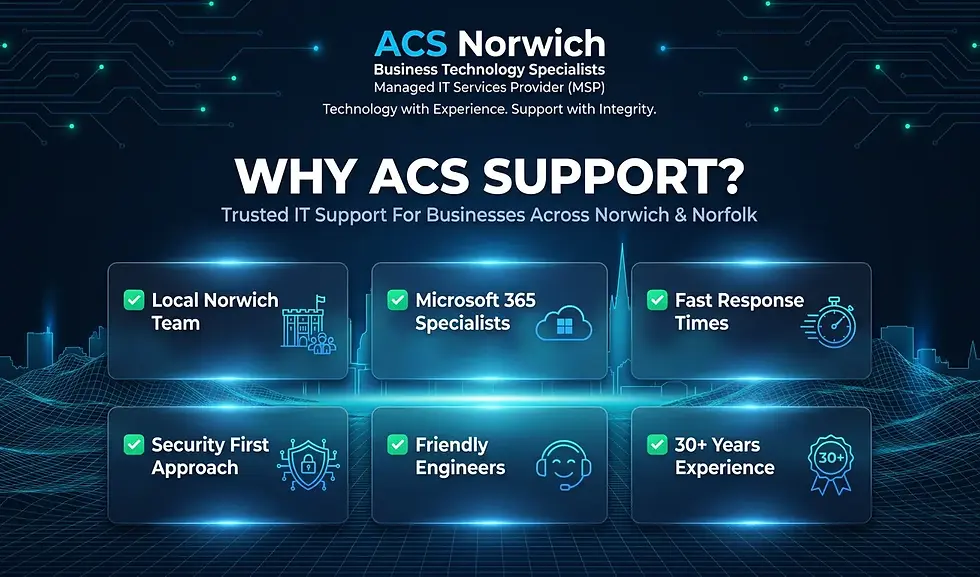
✅ Local Norwich Team
✅ Microsoft 365 Specialists
✅ Security First Approach
✅ Fast Response Times
✅ Business-Focused Support
✅ 30+ Years Experience

The IT Support Hub is your central destination for IT support, services, guidance, and self-help resources.
How Can We Help?
💻 Hardware Support
Get assistance with:
-
Laptops and desktop computers
-
Monitors and docking stations
-
Mobile devices
-
Printers and scanners
-
Hardware faults and replacements
🔐 Account & Access Support
Request help with:
-
Password resets
-
Multi-Factor Authentication (MFA)
-
Account lockouts
-
User access requests
-
Permission changes
-
New starter and leaver processes
☁️ Microsoft 365 Support
Support for:
-
Outlook
-
Microsoft Teams
-
OneDrive
-
SharePoint
-
Word, Excel, PowerPoint
-
Microsoft Copilot
-
Email and collaboration services
🌐 Business Applications
Assistance with:
-
Line-of-business applications
-
Third-party software
-
Licensing enquiries
-
System access issues
-
Application troubleshooting
🖥️ Remote Working Support
Help with:
-
VPN connectivity
-
Remote access solutions
-
Home working equipment
-
Teams calling and meetings
-
Secure access guidance
Popular Services
Request New Equipment
Need a new laptop, monitor, mobile phone, or accessory? Submit a request through the Service Portal.
Report an IT Issue
Experiencing a technical problem? Log an incident and our support team will investigate.
Request Access
Need access to a system, application, shared mailbox, distribution list, or SharePoint site? Submit an access request.
Software Requests
Request approved software installations, upgrades, or licensing support.
Self-Service Resources
Many common issues can be resolved without raising a support ticket.
Knowledge Base
Browse step-by-step guides and FAQs covering:
-
Microsoft 365
-
Teams meetings
-
Device setup
-
Password management
-
Printing
-
Remote working
Quick Fixes
Before contacting support:
-
Restart your device.
-
Check your internet connection.
-
Ensure your applications are up to date.
-
Sign out and back into the affected application.
-
Review any known service issues or outage notifications.
Service Status & Announcements
Stay informed about:
-
Planned maintenance
-
Service disruptions
-
System updates
-
New technology releases
-
Security advisories
Visit the Service Status page for the latest updates.
Cyber Security Awareness
Help protect company information by following security best practices:
-
Never share your password.
-
Be alert to phishing emails.
-
Report suspicious activity immediately.
-
Lock your device when unattended.
-
Complete mandatory security awareness training.
If you believe your account has been compromised, contact the IT Service Desk immediately.
Raising a Support Request
To help us resolve your issue as quickly as possible, please include:
-
Your name
-
Department
-
Contact details
-
Description of the issue
-
Error messages received
-
Screenshots where possible
-
Device type and location
Support Hours
IT Service Desk Hours
Monday to Friday
08:30 – 17:30
For critical business-impacting incidents outside of normal hours, please ring or raise a ticket for emergency support.
Contact Us
IT Service Desk
📧 Email: support@acs-norfolk.co.uk
📞 Phone: 01603 343435
🌐 Service Portal: Portal
Submit a Ticket: Ticket
💬 Microsoft Teams: ACS Norwich
Need Something Else?
If you're unsure where to go for assistance, contact the Service Desk and we'll direct your request to the appropriate team.
One Hub. One Place. All Your IT Support Needs.

Frequently Asked Questions
How do I raise a support ticket?
You can email or use the Service Portal to submit a support request and track its progress.
Do ACS Norwich provide remote support?
Yes. Secure remote support is available for many common technical issues.
Can ACS Norwich help with Microsoft 365?
Absolutely. Outlook, Teams, SharePoint, OneDrive and Copilot support are all available.
What should I include when reporting an issue?
Include your name, contact details, device information, screenshots and any error messages where possible.
What are support hours?
Monday to Friday, 08:30 to 17:30, with emergency support available for critical incidents.
"The ACS Norwich Support Hub makes it easy to raise requests and get help quickly. Whether it's Microsoft 365, devices or user access issues, the team are always responsive and professional."
⭐⭐⭐⭐⭐ - Operations Manager, Norfolk
-
30+ Years Experience
-
100% Customer Focused
-
Fast Response Times
-
365 Days Supporting Business
